

What is a shell prompt?
Learn what a shell prompt is and how it can be customized.

A shell prompt is a sequence of characters that appears when the shell is ready to accept a command.
It's the text you see right before your cursor when you open a terminal.
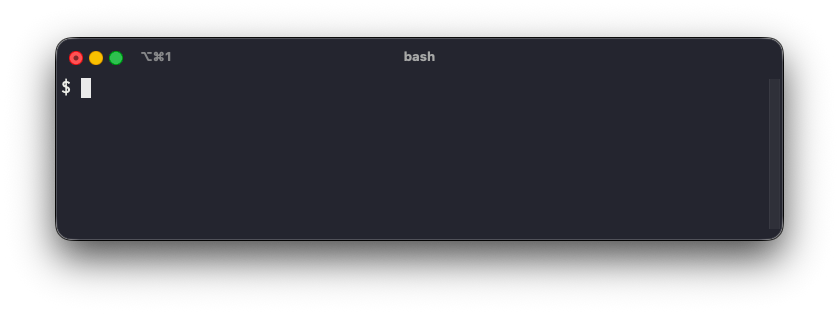
In this concept, we'll learn how shell prompts work and how to customize them using the PS1 variable.
A shell prompt is a sequence of characters that appears when the shell is ready to accept a command.
It's the text you see right before your cursor when you open a terminal.
In this concept, we'll learn how shell prompts work and how to customize them using the PS1 variable.
The PS1 variable
In Bash, the shell prompt is controlled by a special variable called PS1 (Prompt String 1).
Printing this variable displays its current contents:
# Switch to Bash shell
bash

# Print the PS1 variable
echo $PS1
The command might output something like this:
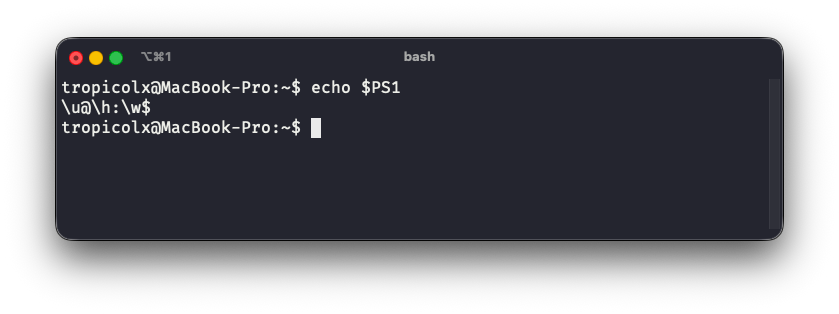
Notice the sequences \u, \h, and \w. These are special escape sequences that Bash replaces with actual values when displaying the prompt.
Common PS1 escape sequences
Here are some common escape sequences used in PS1:
\u: The username of the current user\h: The hostname\w: The current working directory
For example, \u@\h:\w$ might display as:
alice@laptop:~/projects$
Customizing the prompt
A shell prompt can be customized by setting the PS1 variable:
PS1="My Prompt> "
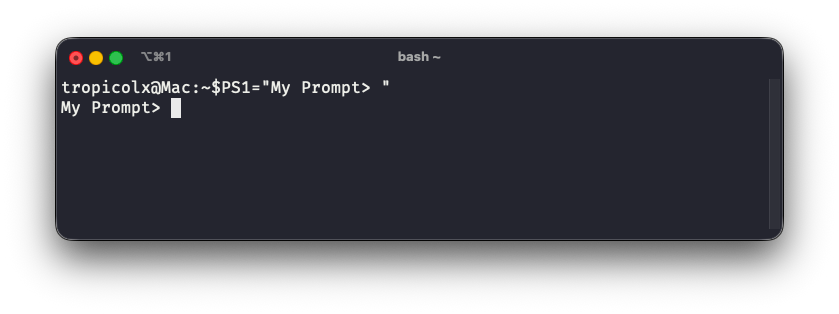
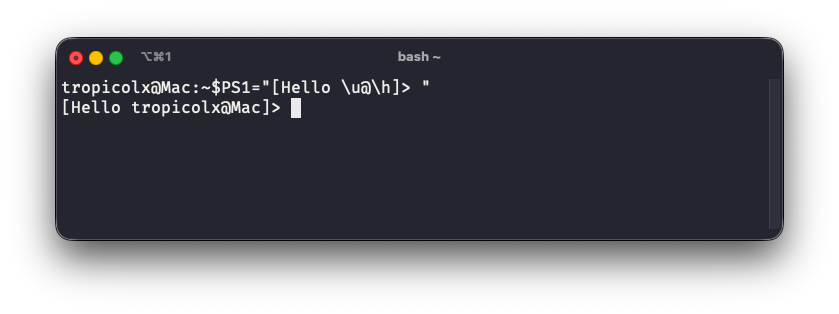
PS1 also supports combining regular text with escape sequences:
PS1="[Hello \u@\h]> "
Command substitution
PS1 can execute commands and include their output in the prompt using the $(command) syntax.
For example, to show the current Git branch in your prompt:
PS1="\w $(git branch --show-current)\$ "
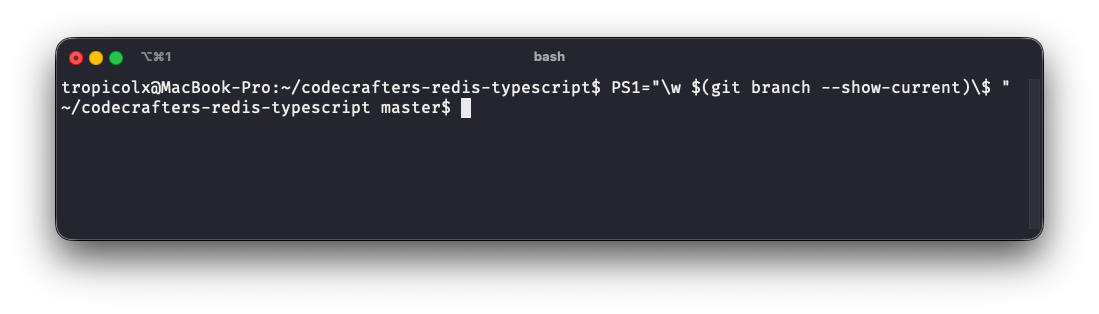
Tools like Oh My Zsh and Starship use command substitution to show Git status, Python virtual environments, and other contextual information in your prompt.
Color in prompts
Colors can also be added to shell prompts using ANSI escape codes.
For example, to make the current username appear in green:
PS1="\[\033[0;32m\]\u\[\033[0m\]@\h:\w$ "
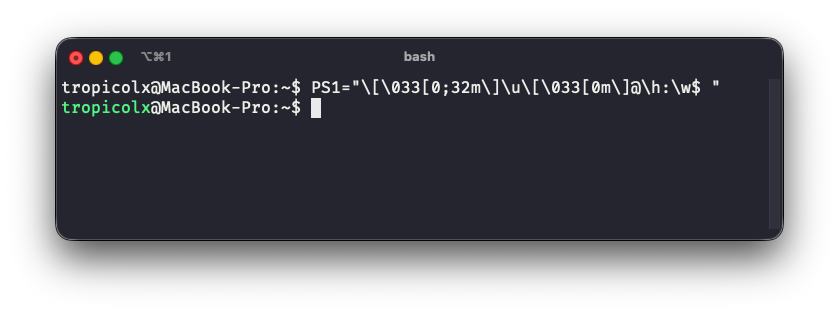
The code \[\033[0;32m\] changes the text color to green, and \[\033[0m\] resets it back to the default color.
Summary
You've now learned about shell prompts and how they work.
A quick recap of what we've covered:
- Shell prompt: The text that indicates a shell is ready for commands.
- PS1 variable: The primary environment variable used to define the prompt's content.
- Escape sequences: Special codes like
\u,\h, and\wthat show dynamic information. - Command substitution: Using
$(command)to include command output in prompts. - Colors: ANSI escape codes can add color to a shell prompt.
For more details on PS1 and other prompt variables, check out the Bash manual.